

This Substack article is sponsored by Adobe
I’m calling this three-part December mini-series Real Life Surthrival. It’s tied to my “surthrival” theme, but it’s also a real-time look at how things are actually going in our home, and spoiler: it’s not perfectly tidy. Who has time for that?
One of my proudest tech accomplishments of 2025 is surprisingly small: I finally figured out how to program our lights.
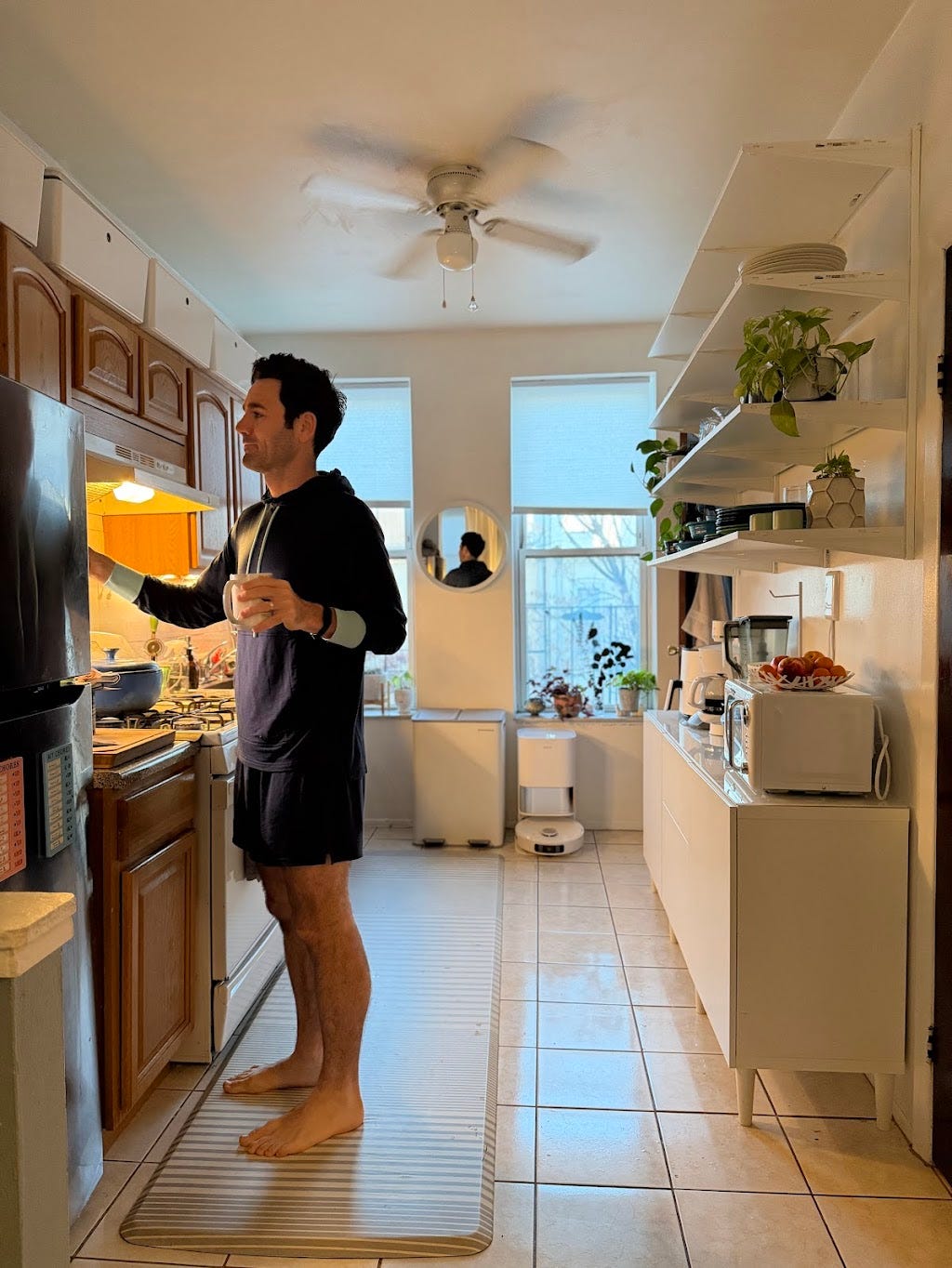
Every morning at exactly 5:00 a.m., I walk into a very quiet living room and click, the lights turn on. Soft. Dimmed. Programmed exactly how I like them. It’s like the house saying, “Good morning, Tyler.”
I used to walk around and turn on all the lights. Now my little smart plugs do the work for me.
And at night, I’ve programmed them to turn off at 9:00 p.m.
That might not sound like much, but it is for me.
I’m not a natural tech guy, but figuring out those plugs was such a win.
In this season of life, I’m leaning into tools, sometimes with a little tech, that make the everyday feel simpler. Now I’m trying to make other aspects of life feel like my lightbulbs: programmable, predictable, and not something I have to think about before coffee.
And by that, I mean the files, forms, emails, and to-do lists. I categorize all these things under the umbrella of “life admin”. The flow of incoming information, from email to snail mail to piles or papers in backpacks, can feel relentless.
It’s a lot to manage, but going into 2026 it’s a project I’m determined to tidy up!
Date night meets “Adobe School”
This tidy up journey started a few months ago, when Emily and I went to an Adobe event and learned about Adobe Acrobat Studio and PDF Spaces.
The Adobe crew set up stations where people talked through how they actually use Adobe to organize files and manage projects. From business, to home renovation, to life management, to travel plans, it was a real-time look at the tools in action. It became clear that these were systems built to quite literally tidy up tech lives.
Something clicked. Sort of like those lights at 5:00 a.m.
The Three Workflows
On the subway ride home, it hit us: we hadn’t been thinking about “life admin” in terms of workflows. We’d been lumping all the tasks, all the paper, all the to-dos into one large category, which made it difficult to name priorities and share the work.
The problem wasn’t just the volume of information, it was that things were coming in from everywhere (email, mail, backpacks) with no clear place to land.
To start, we realized that we needed a few clear categories: parenting, business, and life admin.
Uncovering the problem/solution
After naming the workflows, it became much easier to see the problems, and then choose tools and systems that actually supported them. That’s where Adobe stepped in.
1. Parent Workflow
Problem: Kids’ calendars, permission slips, activity schedules. Too many places, too much back-and-forth, too many papers in our mail file!!!
Solution: We can snap photos or scans of important documents, school papers, forms, all of it, and upload them to a PDF Space, a shared, AI-powered workspace built around digital files like PDFs, where Emily and I can both ask questions of the PDF Space via the AI Assistant. Then we can recycle the paper. (Paper clutter is one of my arch enemies.)
I love that we can turn everything into clear digital or printable versions the whole family understands. Adobe also has an AI Assistant that can summarize long PDFs, answer questions right inside the document, and pull out the key info without hunting for it. My favorite way to use the AI Assistant is asking about important dates, like when I should show up for the school concert, or when parent-teacher conferences are, so I can stay on top of things without having to remember too many dates.
2. Business Workflow
Problem: Contracts, PDFs, writing edits, podcast notes/scripts, deliverables, graphics, screenshots, photos and videos, etc!!
Solution: We can use Sharepoint to pull files and plug into PDF Space for work being published across Tidy Dad. We can share files with one another and keep records of tasks, submissions, and pending items.
Adobe Express Premium is integrated in Acrobat Studio, and the Express templates make design work easy! There are seemingly endless templates to choose from: PDFs, IG posts, IG story templates, cards, memes, graphics, you name it. I can edit on my computer or phone and I love that Adobe handles the design part so I can spend my energy on the text and ideas.
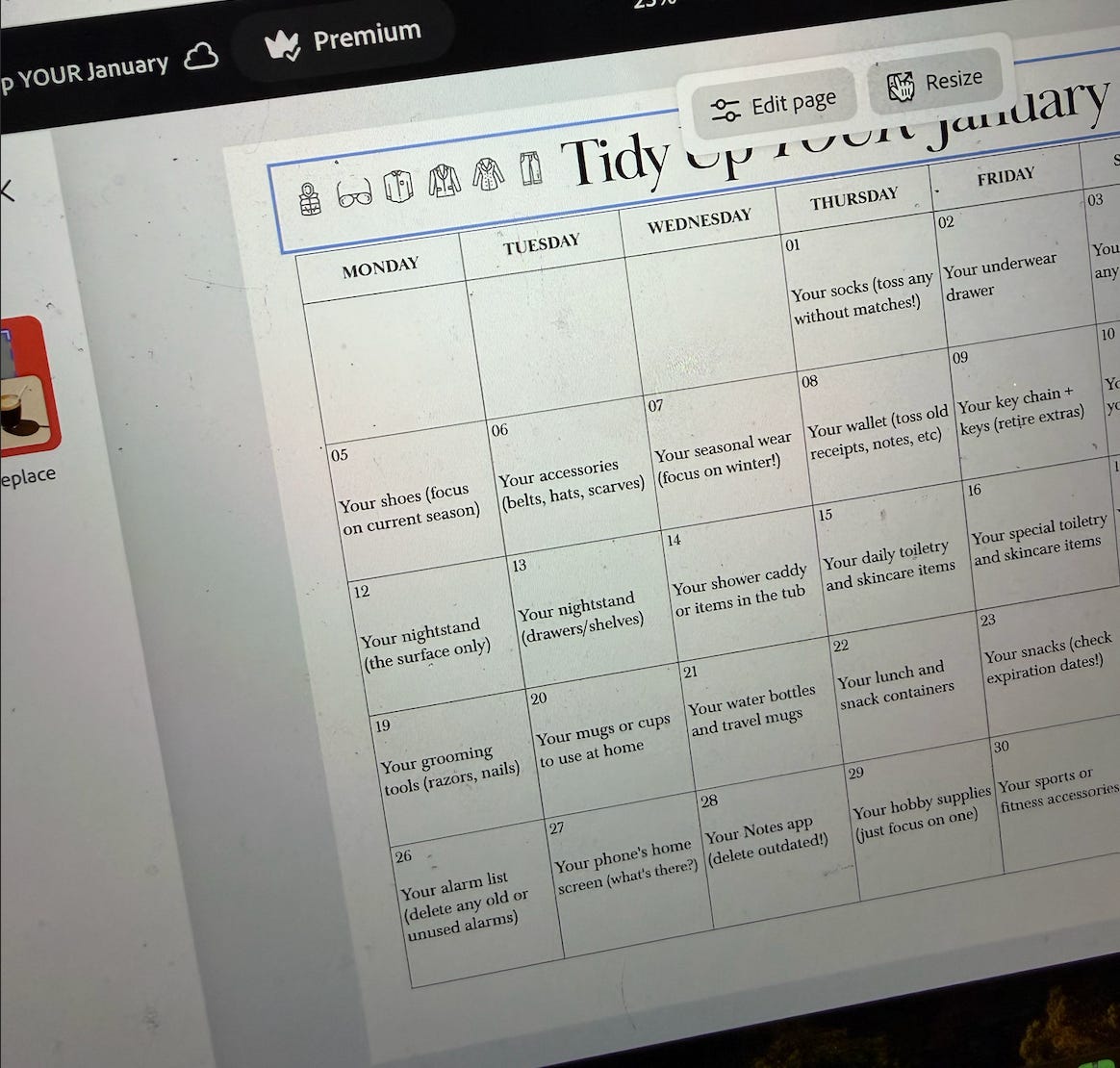
My idea for a “Home Rules” checklist came over my lunch break at school. I logged into my Adobe Express account, I searched for PDF templates and landed on a simple checklist layout. I added my text, tweaked the color and font, and within minutes it was ready to print, laminate, and hang up where my daughters could see it.
Everything lives in one digital home base I can open on my phone or my laptop, with templates ready whenever inspiration (or a deadline) hits.
3. Life Admin Workflow
Problem: Mail, doctor forms, travel docs, insurance, receipts, lease, mortgage: The clutter that has a major impact on your life if you can’t find it!
Solution: We can take scans of important documents and upload them to a PDF Space in Acrobat Studio that my wife and I can both access. It’s secure enough for sensitive family paperwork: birth certificates, passports, medical info, etc. and syncs across devices, so we can pull things up on our phones whenever we need them.
One feature that’s really cool is the AI Assistant inside PDF Spaces. Since these documents live in a shared space, my wife and I can both ask questions directly inside the documents. It’s almost like having a helpful third set of eyes keeping track of things for us.
It can also summarize long PDFs, extract key info, and answer questions right where the documents live, plus we can personalize how the AI Assistant responds, so it actually feels useful instead of overwhelming.
Low Tech Dad Embraces Acrobat Studio
As I close out 2025 and step into 2026, I’m trying to become the best tech-version of myself. We all have a limited amount of time. We can only take on so much. Less digital clutter means more space for family, creativity, and being able to locate what you need, when you need it.
Tidying your digital life is one of the quiet, and productive ways to make space for what actually matters.
So if you’re looking to tidy up your tech life, here are a few things to try:
Start by building one digital home. Decide where things live and who needs access to them.
Go paperless when you can. When paper enters your home, snap a photo or scan it, recycle the paper, and organize the digital file right away.
And learn how to use Adobe to create something simple: a family calendar, a set of home rules, even a holiday card.
Make sure to check out Adobe Acrobat and Adobe Express!
Tyler Moore, aka Tidy Dad, is a father of three daughters, a cleaning and organizing expert, and a full-time NYC public school teacher. He’s gone from scrubbing toilets to appearing on the Today Show and publishing his bestselling book, Tidy Up Your Life and hosts the top-ranking podcast Tidy Tidbits, which helps people make space for what matters most. For Tyler, the goal isn’t always a perfectly tidy home, it’s a home that’s easily tidied. You can find him on Instagram @tidydad and his newsletter on Substack, The Tidy Times.
I’ve created files in my note section on my phone/ipad. I have folders for everything I need. If I need to create a new folder, I create it. A few examples are:
- Recipes divided by meals, snacks, and desserts
- Bible Studies - when I come across a new Bible Study I want to do, it goes in the folder for when I’m ready for a new one.
- Family/Friend Birthday cards - names and dates of all birthdays - at beginning of the year, I go to Dollar Tree and purchase my cards for the year. I got this idea from my 90-year-old dad. He’s also a Tidy dad.
- Grocery Lists
- Meal Planning
- Podcasts I may want to watch again
For an almost 68-year-old woman who used to be afraid I’d break something if I even touched a computer, I’m proud of this achievement that really simplifies my life and eliminates clutter from my mind.
These are a few of my folders. Very easy to use. Very tidy. I’m a Tidy Lady (wife, parent, grandparent, child, Aunt (Hey Tyler and Emily), cousin, friend, etc . . .) Let’s Tidy on . . . 💃💃💃
Great info! For your lighting, what devices did you use?